1 Minute More
On the Lock Screen
Your next reminder counts down on the Lock Screen with Live Activities.
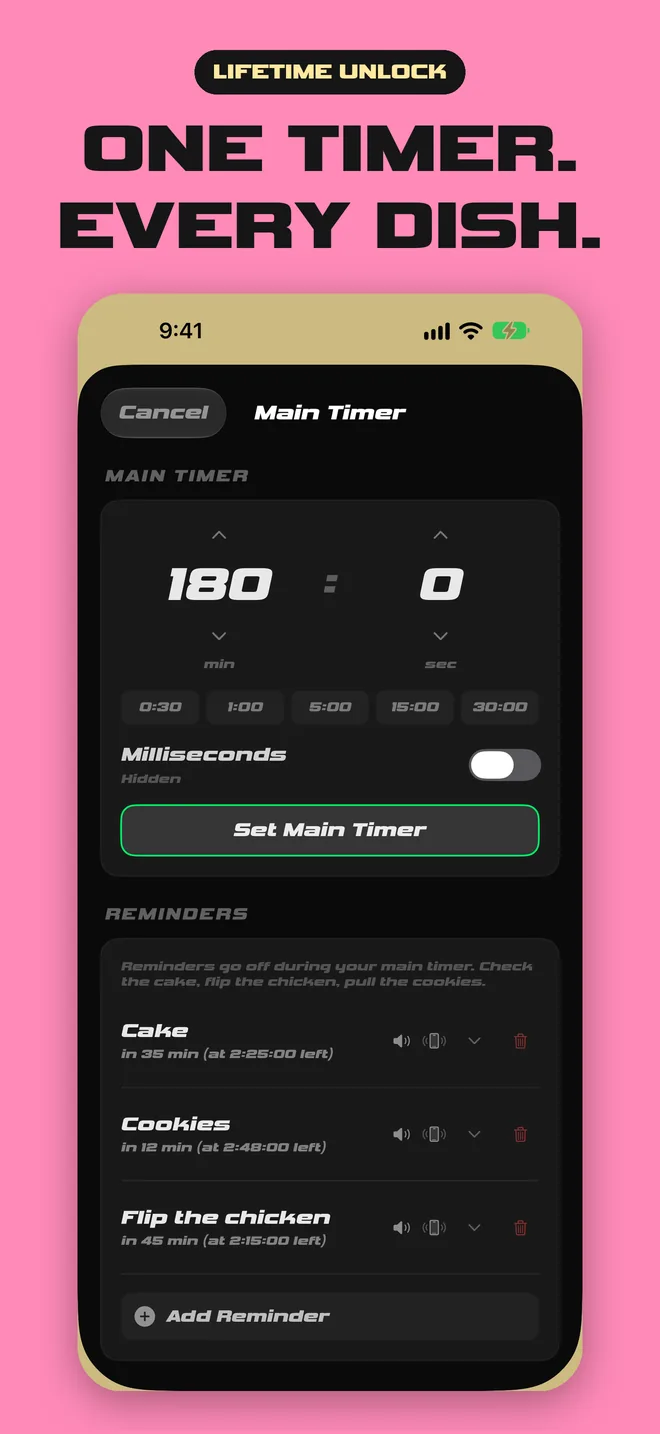
One timer for the whole meal, with a labeled reminder for every dish along the way.
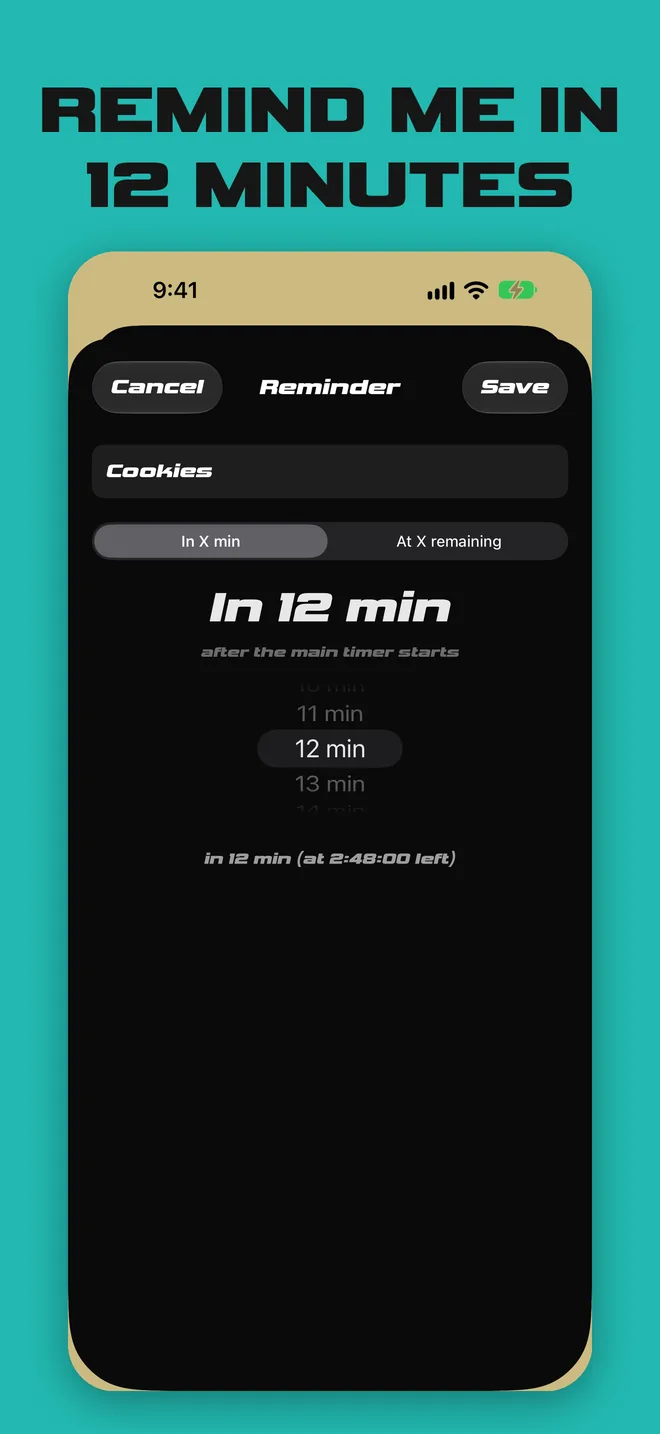
Set one main timer for the whole meal. Then add labeled reminders along the way, each one set “in X minutes”:
The main timer keeps running while each reminder comes due, so you always know what’s next and how long the whole meal has left.
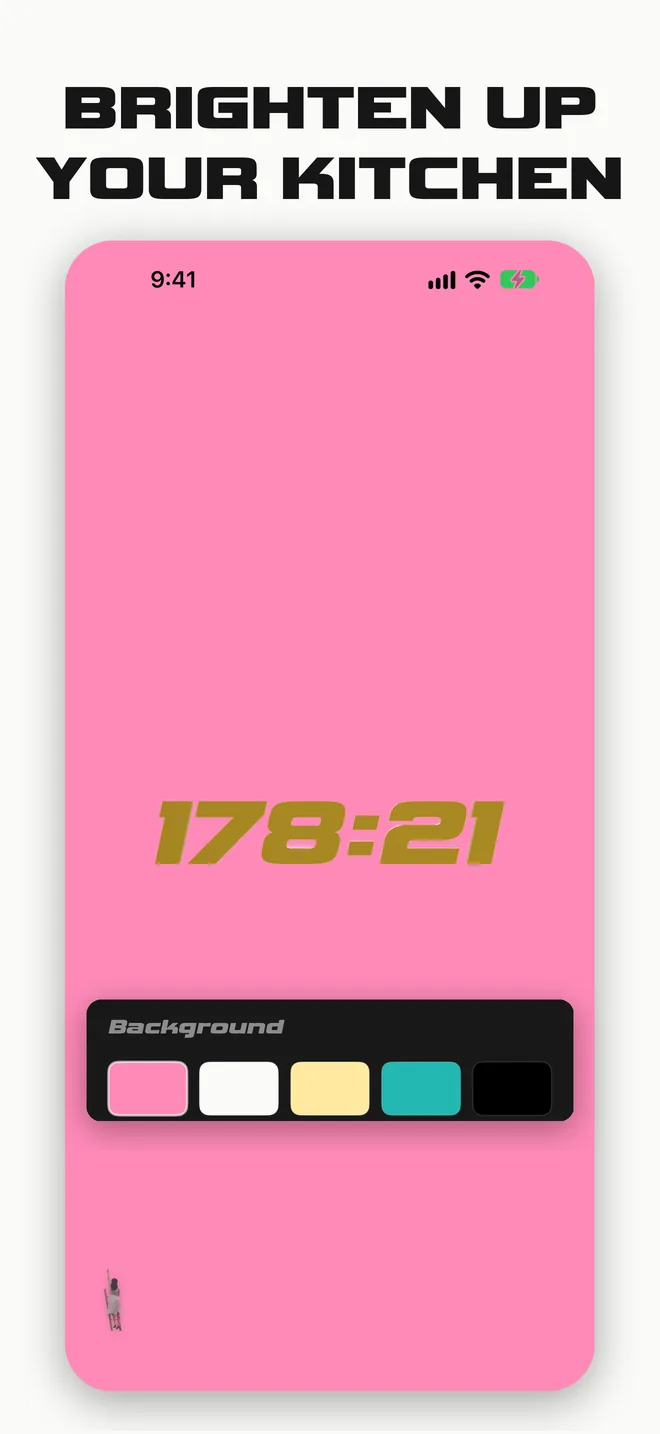
Kitchens are bright, hot, and loud. 1 Minute More is made to be seen and heard from across the room.
Your next reminder counts down on the Lock Screen with Live Activities.
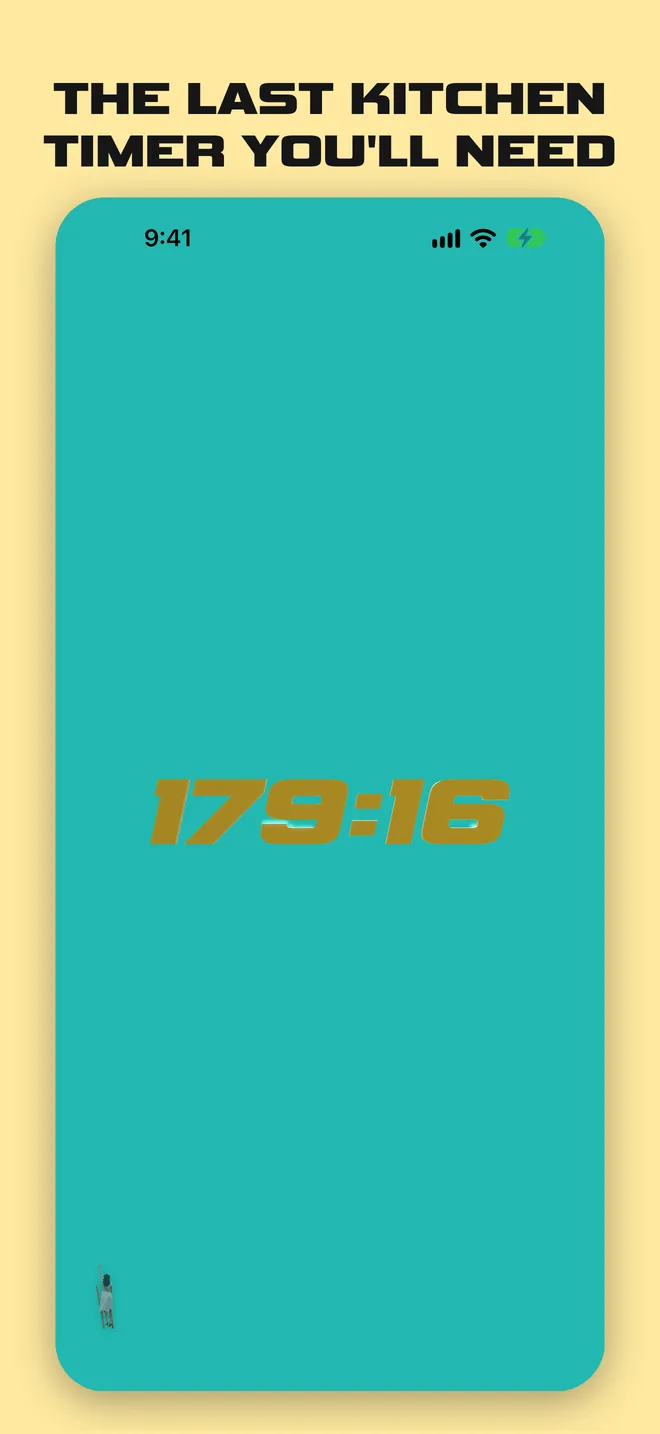
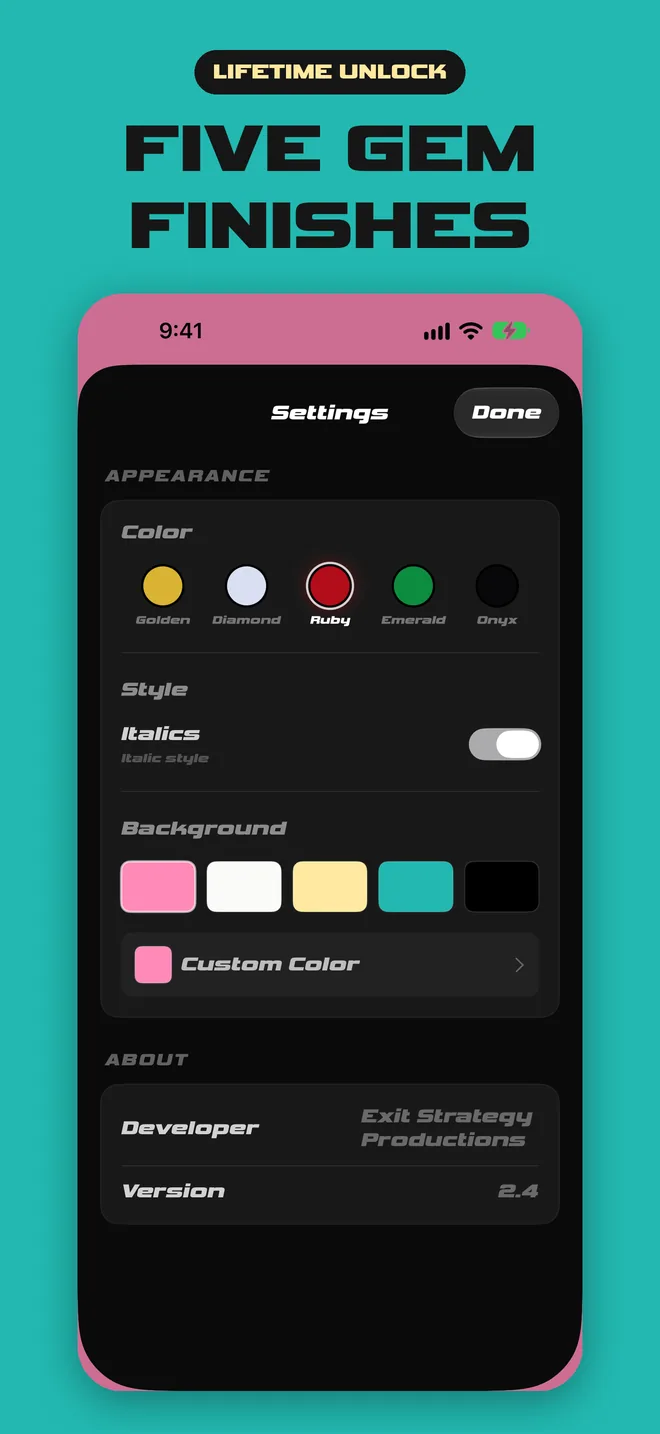
3D gem-finish numerals you can read across the kitchen.
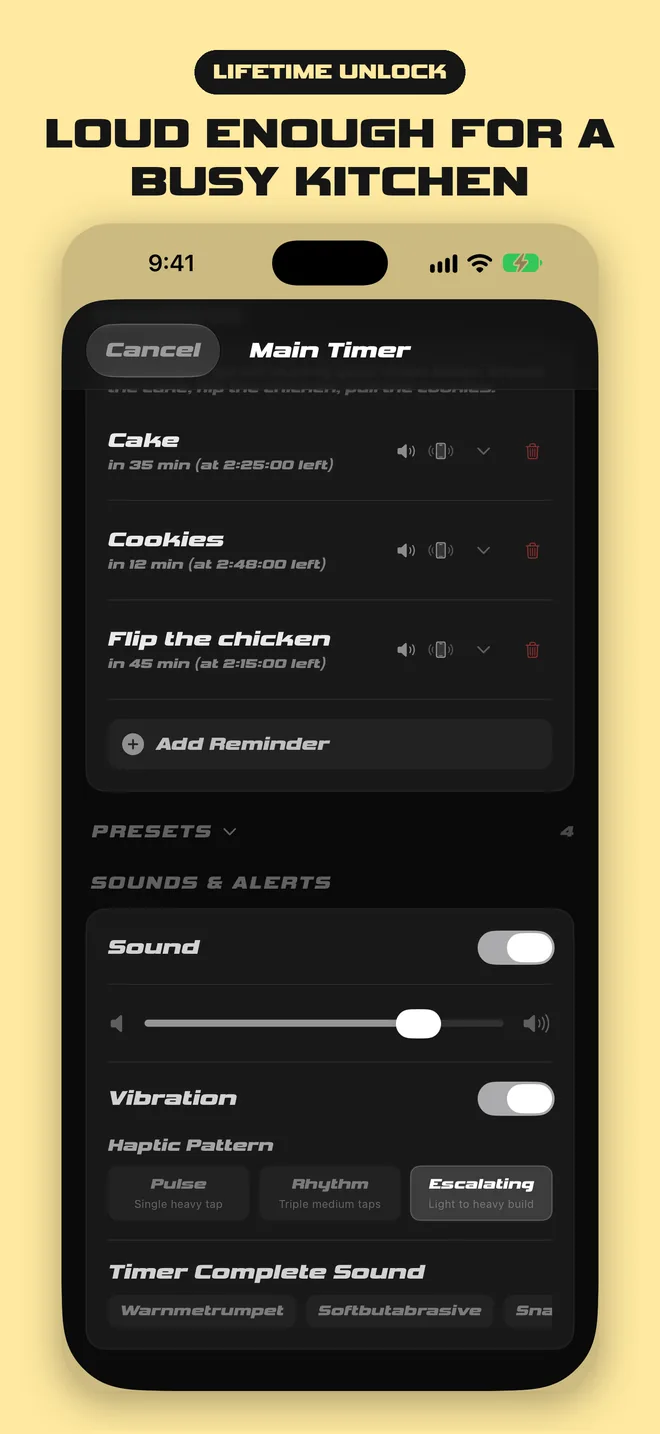
Alert sounds loud enough for a busy kitchen.
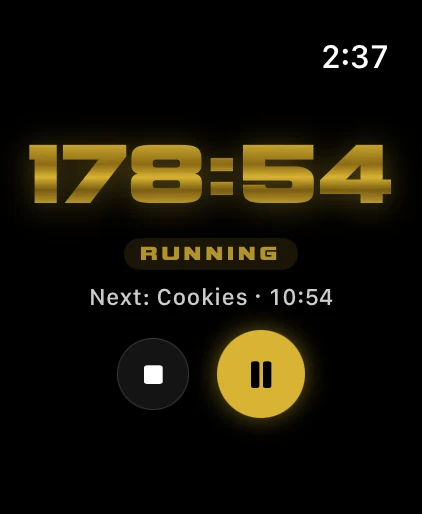
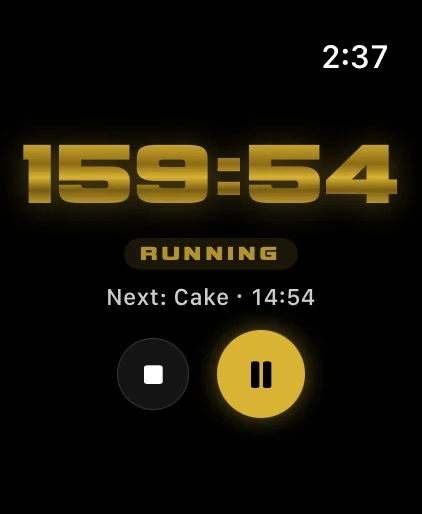
The Apple Watch app is a synced remote for your timer. Start, pause, and reset from your wrist while your hands are full.
Included with Lifetime Unlock.
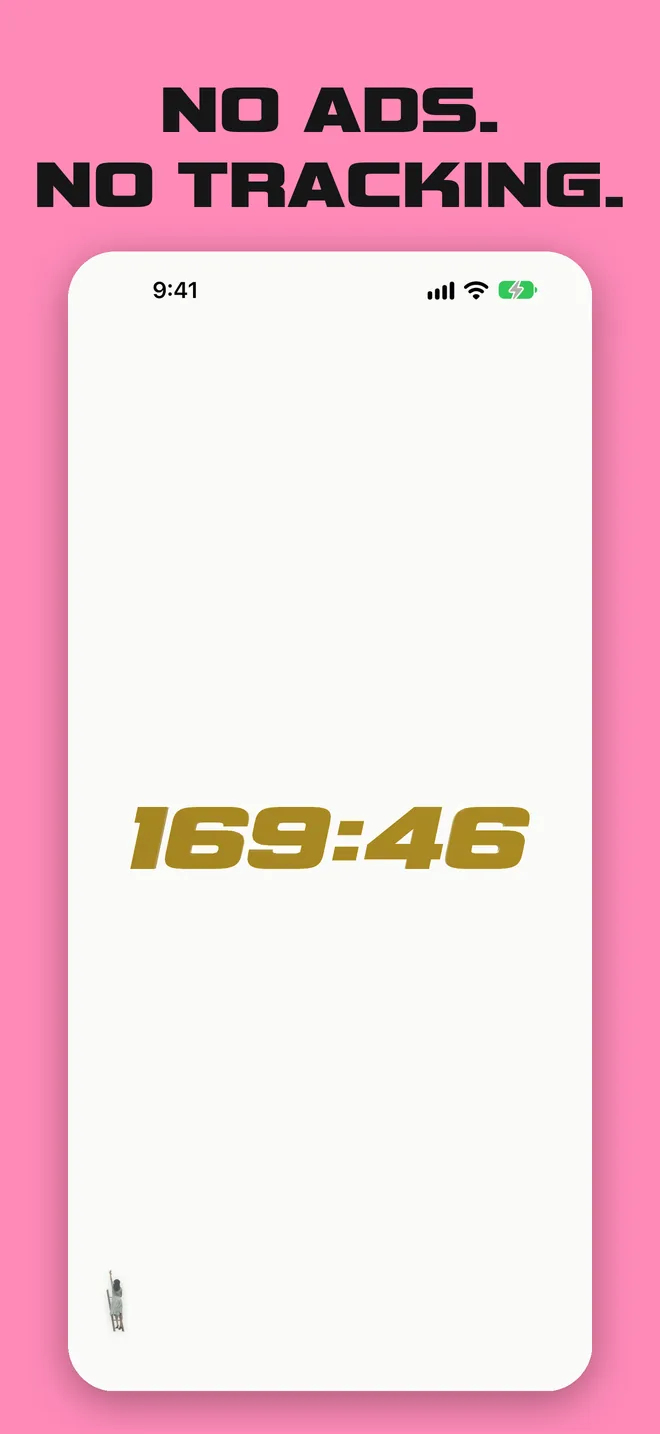
I trained at the French Culinary Institute and cooked in New York kitchens, where the hard part is never one dish. It's cooking a dozen things at once and landing every element at the same moment. I haven't cooked professionally in years, so I built 1 Minute More to be the timer I wanted at home: one clock for the whole meal, with labeled reminders for everything along the way. The numbers are huge and the alerts are loud, because a kitchen is hot, busy, and noisy. No ads, no tracking. Just a timer I'd trust on Thanksgiving, Christmas, or any day of the year.
One payment, yours for life.
$0
$2.99 one time (US) · no subscription
Bought the app before it went free? You’re unlocked automatically.
One main timer for a ~14 lb turkey, with every reminder set “in X min” from the start. The pie’s baked that morning.
A plan with five reminders like this one needs Lifetime Unlock. The free version includes one reminder.
Yes. The timer, one reminder, presets, and all background swatches are free. Lifetime Unlock is an optional one-time purchase ($2.99 in the US).
It’s one payment with no subscription.
No. Anyone who bought the app before it went free is unlocked automatically.
Yes. When your phone is locked, each reminder and the end of the timer arrive as a notification with the sound you picked, as long as notifications are on for 1 Minute More. In Silent mode, iOS plays them as vibrations instead, and during a Focus, add 1 Minute More to your allowed apps. If you wear an Apple Watch, it taps your wrist too.
No. 1 Minute More runs on iPhone, iPad, and Mac. The Apple Watch app is an optional synced remote (start, pause, reset) included with Lifetime Unlock.
None. No ads, no tracking, and no data collected. See the privacy policy.